More than 100 billion messages are exchanged on WhatsApp every day. That’s a 53.84% increase since 2018. WhatsApp is at the fingertips for everything—be it a text message, sharing live location, sending voice messages, sharing visuals, video calls, or audio calls. Now with WhatsApp payment, this communication channel has transcended to become a hub for business meetings, casual conversations, and even brand marketing.
Yes, WhatsApp is one of the top communication channels on the radar for marketing and customer operation teams to leverage. End users desire personalized communications that align with their preferences. End users expect their favorite brands to understand their preferences, and to achieve this, they leave numerous social imprints across various touchpoints. Adding WhatsApp to your marketing funnel gives you the extra edge of reaching out to your end users with tailored offers that are hard to deny.
Why You Need WhatsApp API for Your Business?

There is no way you can deny that WhatsApp messages have the highest opening rates as compared to any other brand messaging platform. Giving users the option to browse, shop, talk, pay, and do everything directly inside WhatsApp is your best shot at personalizing brand experience for each user.
However, the regular WhatsApp or WhatsApp Business App has limitations, especially when you want automation, bulk messaging, chatbots, or multi-agent customer support.
That’s where the WhatsApp Business API comes in.
WhatsApp API unlocks enterprise-grade capabilities such as automated chatbots, rich notifications, CRM integration, and scalable messaging. But the setup can feel overwhelming if you’re doing it directly through Meta, especially with approvals, tokens, webhooks, and compliance requirements. Instead of taking all that trouble, mindbird WhatsApp API makes the entire process fast, simple, and no-code, enabling businesses to go live in minutes.
What is WhatsApp API and Why it Matters?
The WhatsApp Business API is a powerful communication interface built for medium and large businesses to send and receive WhatsApp messages at scale. Unlike WhatsApp Business app, the API enables automation, integrations, and high volume.
Here is a quick overview of WhatsApp vs. WhatsApp Business App vs. WhatsApp API.
| Feature | WhatsApp App | WhatsApp Business App | WhatsApp API |
| Best For | Personal use | Mom-and-pop, single-operation local businesses | Small/ Medium Digital Businesses, Growth-tier, Large Enterprises |
| Multi-user support | No | Limited | Yes |
| Automation | No | Limited | Full |
| APIs/webhooks | No | No | Yes |
| CRM integration | No | No | Yes |
| Marketing templates | No | Yes | Yes |
| Scalability | Low | Medium | Very high |
Why WhatsApp API Matter for Businesses?

With WhatsApp API, brands can:
1. Automate Customer Communication at Scale
WhatsApp API allows businesses to automatically send order updates, OTPs, reminders, and alerts in real time. It reduces manual effort, ensures faster responses, and delivers timely, accurate information without human intervention.
2. Enable WhatsApp Ads (CTWA) for high-intent growth
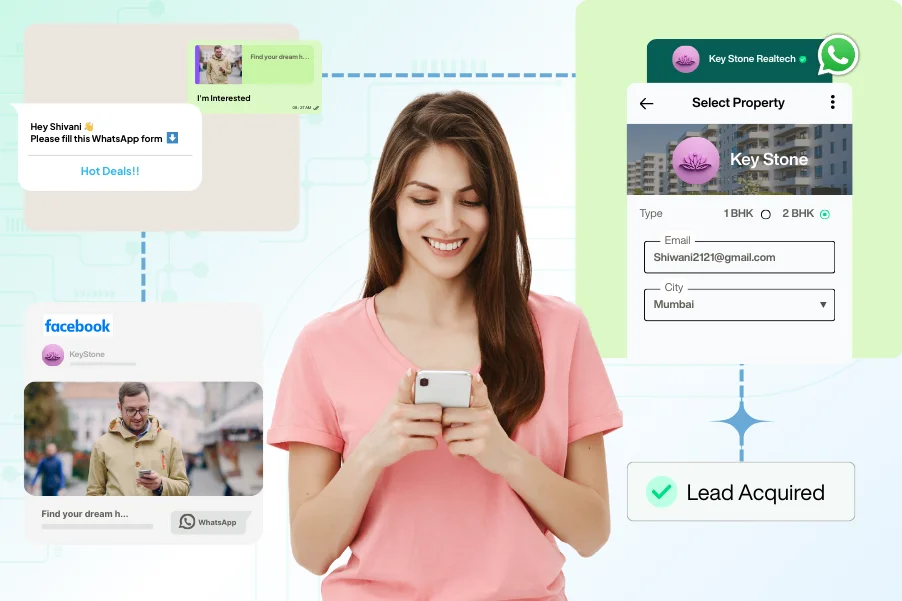
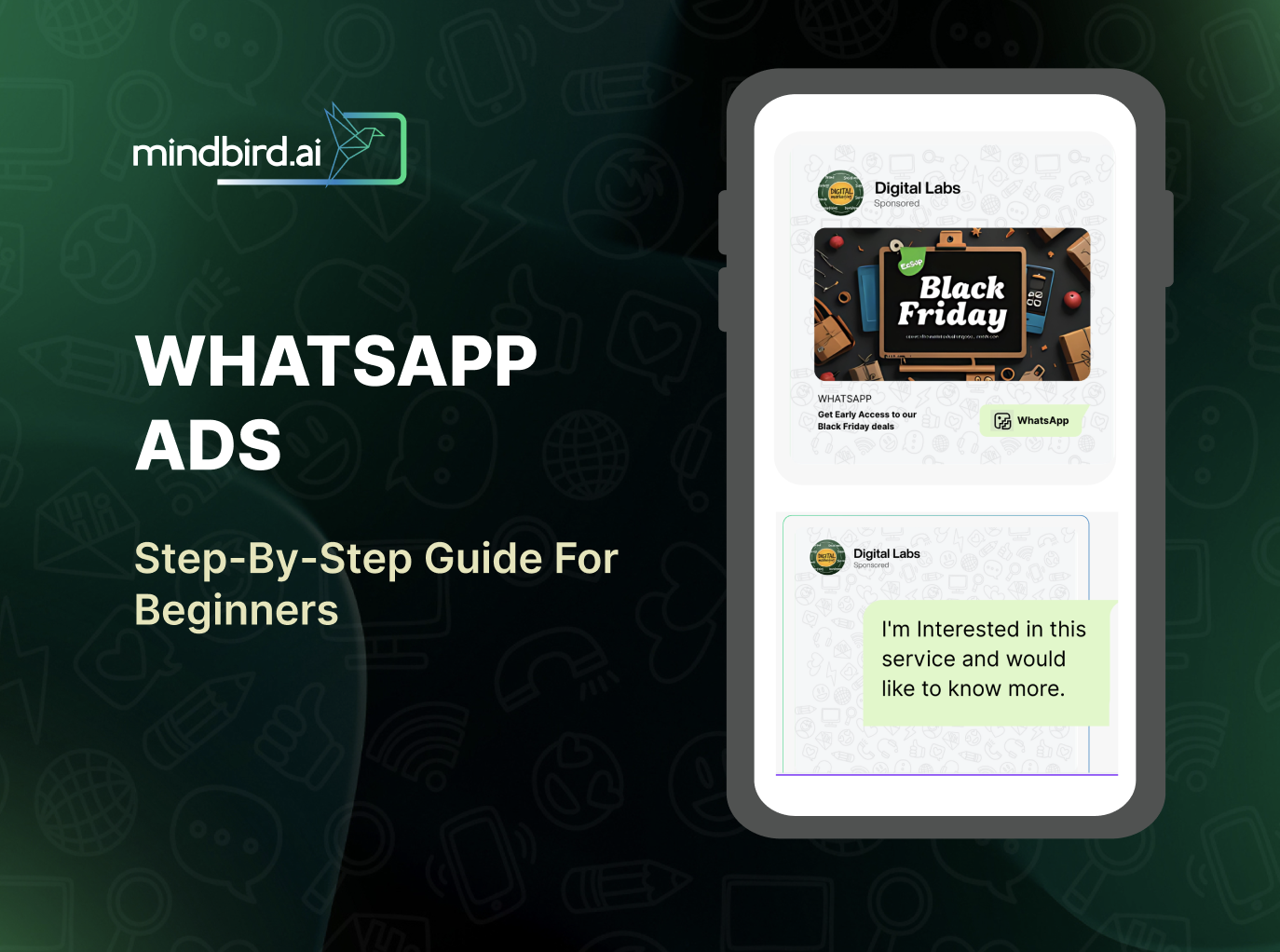
Click-to-WhatsApp Ads (CTWA) let businesses run ads on Facebook and Instagram that directly open a WhatsApp chat. With WhatsApp API, brands can automate follow-ups, qualify leads, and convert conversations into sales—making it especially appealing for small businesses seeking cost-effective, high-intent customer acquisition.
3. Enable multi-agent support with a unified inbox / WhatsApp CRM
Multiple agents can handle conversations simultaneously through a shared inbox. This boosts collaboration, reduces response delays, and helps teams offer consistent support during peak volumes.
4. Integrate seamlessly with business systems
The API integrates effortlessly with CRMs, ERPs, and eCommerce platforms. It syncs customer data, automates workflows, and enables personalized, event-triggered communication throughout the customer journey.
5. Send rich and interactive messaging experiences
Brands can send images, videos, product lists, catalog items, buttons, and documents. These interactive elements simplify actions like tracking orders, browsing products, or making payments—driving higher engagement and conversions.
6. Run scalable marketing and retargeting campaigns
Using approved marketing templates, businesses can run promotional, reminder-based, and reactivation campaigns. With WhatsApp’s extremely high open rates, behaviour-based segmentation delivers better conversions than email or SMS.
7. Deploy AI chatbots and automated workflows
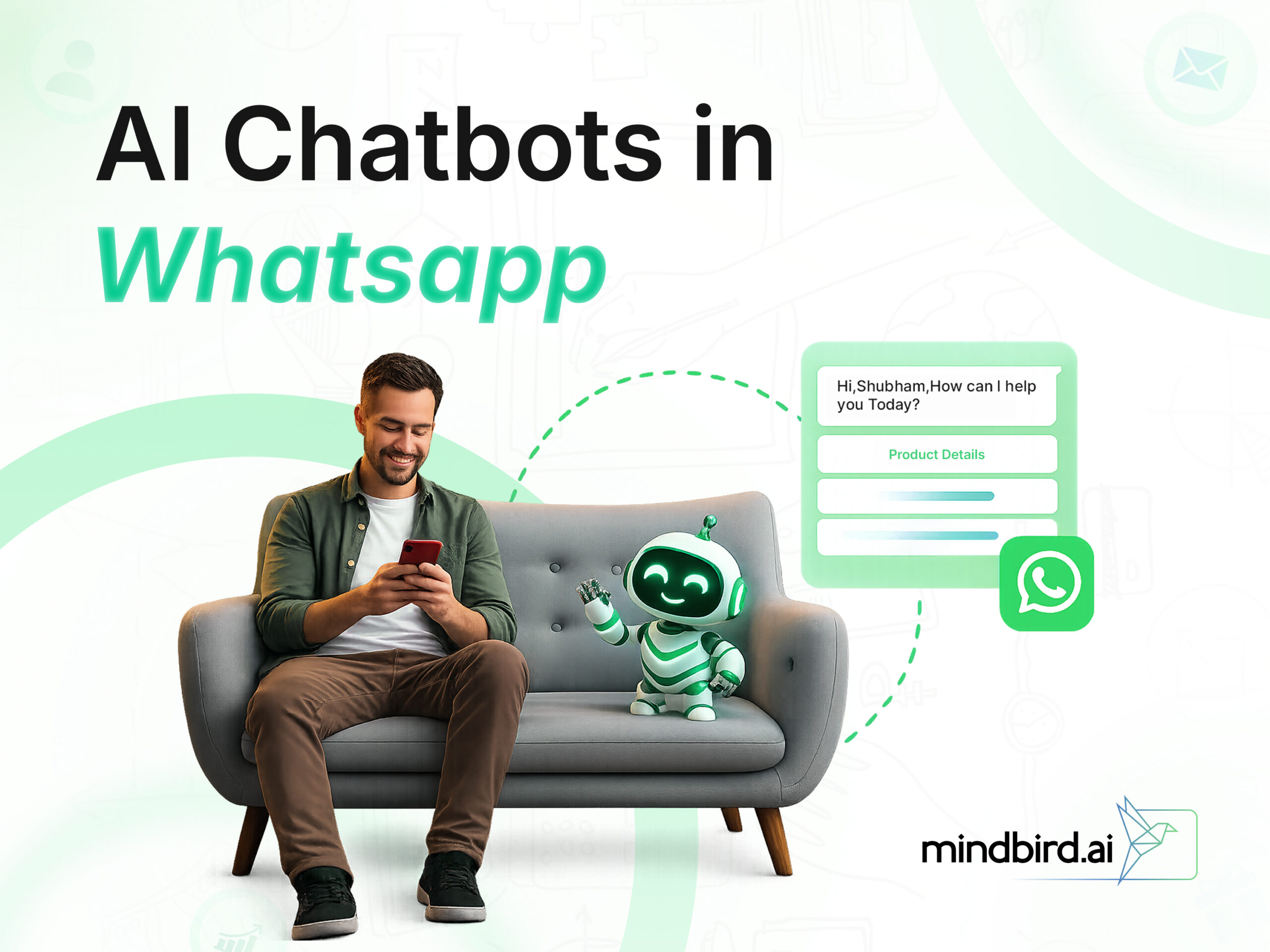
AI chatbots help manage FAQs, lead qualification, bookings, and support tasks. They respond instantly, reduce agent workload, and maintain consistency—while still allowing seamless escalation to human agents when needed.
8. Build verified business identity for higher trust
WhatsApp API provides verified business profiles with official branding. This boosts customer trust, reduces spam concerns, and strengthens the brand’s credibility across all conversations.
9. Reach customers globally with reliable delivery
The platform ensures fast, reliable message delivery worldwide. Businesses can send critical alerts, real-time updates, and support responses without delays, regardless of customer location.
10. Maintain secure, policy-compliant messaging
Built on Meta’s compliance framework, WhatsApp API ensures encrypted and regulated communication. It protects customer data, prevents spam, and maintains quality through approved templates and structured messaging policies.
11. Access advanced analytics and performance insights
Brands receive insights into delivery rates, read receipts, quality scores, and campaign metrics. These analytics help optimize strategies, improve engagement, and refine both marketing and support workflows.
P.S. mindbird WhatsApp API offers all of the above with a dashboard, a no-code automation builder, and a fast onboarding flow. :D
How to Setup WhatsApp API?
Note: When done manually, the whole pre-verification process can take a few days. But with mindbird, the entire process is taken care of instantly. From onboarding, verification, and setup, mindbird does it all for you.
There are two ways to go about it—
- using Meta’s cloud API (which is a tad bit complex)
- using mindbird’s API feature, which is simpler and faster.
Here is a guided step-by-step process of setting up WhatsApp API.
Step 1: Choose Deployment Method: Meta Cloud API or Business Solution Provider
WhatsApp provides two methods:
Option A: Meta Cloud API (Self Setup)
- Free to set up
- Requires technical knowledge
- Needs developers for integration
- You must handle webhooks, tokens, servers, rate limits
Option B: BSP/TSP/ Trusted Meta Partner like mindbirdrd (Business Solution Provider)
mindbird offers:
- No-code onboarding
- Automatic webhook setup
- Template approvals assistance
- Team inbox, analytics, chatbot builder
- Faster go-live
If you want quick deployment and automation without coding, BSP is the better choice.
Step 2: Create & Verify Your Facebook Business Account
- Go to Meta Business Manager
- Add business details: name, address, website
- Go to Security Center → Business Verification
- Upload legal documents
- Submit for verification
Verification may take 24 hours to several days. With mindbird, this step is streamlined as the team assists in preparing documentation to prevent rejections.
Step 3: Add and Verify Your Phone Number
Inside WhatsApp Manager:
- Go to Phone Numbers
- Add a new phone number
- Choose your business default display name
- Verify via SMS or call OTP
- Once verified, Meta links it with your WhatsApp Business Account
Your number is now ready for API access.
Step 4: Generate Your Permanent Access Token
Inside Meta for Developers → WhatsApp Cloud API:
- Go to System Users → Add New System User
- Give Admin Access
- Generate a long-lived token
- Copy the access token and phone number ID
You’ll use these credentials to send API requests.
mindbird eliminates this step entirely: The platform securely connects your number and generates the token automatically; no developer steps are required.
Step 5: Configure Webhooks
Webhooks are essential to receive:
- Delivery status
- Read receipts
- Incoming messages
- Message templates events
To configure webhooks manually:
- Add webhook URL and verify token
- Subscribe to WhatsApp events
- Deploy a server to receive callbacks
If you’re unfamiliar with servers and webhooks, this step is often the most challenging part. However, mindbird solves this by providing an automatic webhook configuration: no server, no coding, and no verification tokens required.
Step 6: Send your First API message
You can now test your first WhatsApp API message via:
curl -X POST https://graph.facebook.com/v18.0/PHONE_NUMBER_ID/messages \
-H "Authorization: Bearer YOUR_TOKEN" \
-H "Content-Type: application/json" \
-d '{
  "messaging_product": "whatsapp",
  "to": "RECIPIENT_NUMBER",
  "type": "template",
  "template": {
     "name": "hello_world",
     "language": { "code": "en_US" }
  }
}'- If successful, Meta returns a message ID
- Your recipient gets the template message on WhatsApp
Note: mindbird replaces all this with a simple dashboard where you can test a message in a few clicks. No API calls required.
Why Use mindbird for WhatsApp API Setup?
mindbird simplifies WhatsApp API usage through:
- One-click onboarding
- No coding required
- Interactive templates with a pre-approved library
- AI-powered automation builder
- Unified team inbox
- Broadcasting with proper opt-in management
- Advanced analytics & delivery reports
The platform sits on top of the official WhatsApp Cloud API, ensuring compliance and reliability.
How mindbird Makes the Process 10x Easier?
- 10–15 Minute Setup: Instead of navigating multiple Meta dashboards, mindbird connects your business instantly.
- Auto Webhook Configuration: No server deployment, no coding, no tokens—mindbird handles webhooks behind the scenes.
- Visual Chatbot Builder: You can create conversational flows with a drag-and-drop interface—ideal for support, lead nurturing, and workflows.
- Centralized Team Inbox: Your support agents can manage inquiries collaboratively with AI-based suggestions and automations.
- Rich Messaging Templates: Create, manage, and apply for approval directly from the dashboard.
- Broadcast & Drip Campaigns: Segment your audience and run highly personalized campaigns within WhatsApp policy limits.

mindbird essentially provides everything a business needs – from setup to automation to real-time analytics.
WhatsApp India API Pricing: Meta vs. mindbird
| Pricing Component | Meta WhatsApp Cloud API | mindbird WhatsApp API |
| Platform Features | None built-in. You handle integrations, dashboards, automation yourself | Includes dashboards, chatbot builder, multi-agent inbox, etc. (with plan) |
| Messaging Template Charges – Marketing | ₹0.88/message for business-initiated chats; varies by region and type | ₹0.88/message for “Marketing” templates on Starter plan |
| Messaging Template Charges – Utility | ₹0.125/message; region dependent | ₹0.125/message for “Utility” templates |
| Messaging Template Charges – Authentication | ₹0.125/message for “Authentication” templates | ₹0.125/message for “Authentication” templates |
| Service Conversations | Messages within 24-hour user-initiation window are free (Meta’s policy) | User-initiated conversations are free for 24 hours. Business-initiated messages are charged based on template category. |
| Base Infrastructure Cost | No monthly platform fee from Meta (you access the Cloud API for free) | Monthly platform fee: ₹1,349/month (Starter plan)** |
| Additional Messaging Rates Covered by Provider | Only Meta’s rate applies (you pay Meta’s charge directly) | You pay Meta’s message charge plus mindbird’s template-rate markup (as shown above) |
| Best Fit for | Businesses with engineering capacity and direct API usage | Businesses wanting faster setup, no-code, integrated tools |
**Pricing is subject to change based on Meta policy revisions and MindBird’s plan benefits. Final pricing may differ for enterprise-scale usage or customised plans
- With Meta alone, your primary cost comes from message/template charges; you’ve minimal platform overhead, but you handle all setup and tools.
- With mindbird, you pay a monthly platform fee and template message rates, but you get business-ready features, faster onboarding, and less technical overhead.
Concluding Thoughts
WhatsApp is a powerhouse for modern customer communication. From automation to sending personalized messages at scale, WhatsApp API is your key to enhancing user interactions that convert into paid subscriptions (or sales). Ready to activate WhatsApp API in minutes? Sign up on mindbird and unlock faster communication right away.